

Your Old Email Address Is Not a Dead End
Here is a situation that comes up more often than you would expect.
You want to download your Facebook archive. Maybe you heard about Recap Books. Maybe you just want your memories off a platform you no longer trust. Either way, you go to request the download and hit a wall: the email address on your Facebook account is old. Deactivated. Gone. You cannot receive a verification code, so you assume you are locked out.
You are not.
Your Facebook account is fine. The data is there. The photos, the posts, the messages — all of it is sitting in Meta’s servers waiting for you. The only problem is that Facebook does not know how to reach you. That is a solvable problem, and Facebook built the tools to solve it. Most people just do not know where to look.
Here are your options, in order of ease.
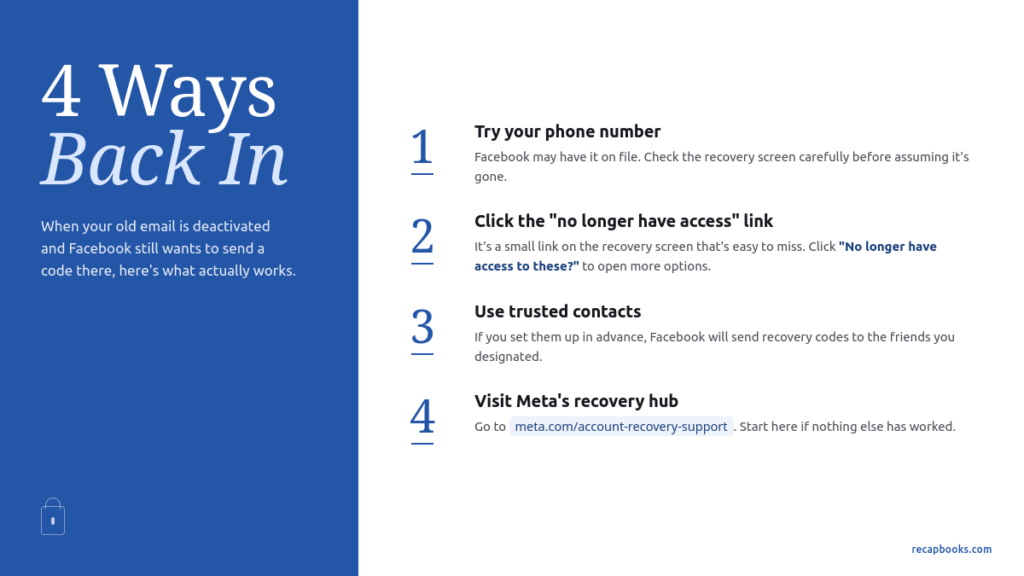
1. Try your phone number first.
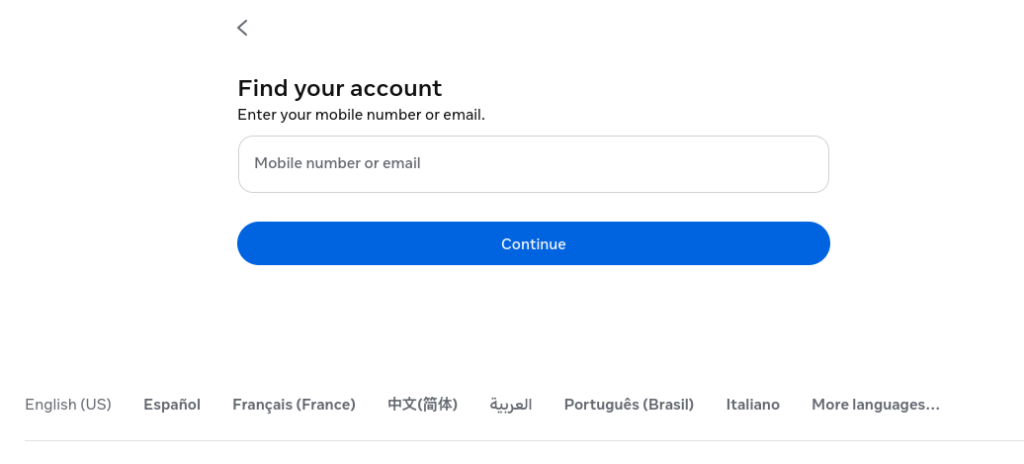
Go to facebook.com and click Forgot Password. Enter your name or the old email address. When Facebook offers to send a verification code, look carefully at the screen: there is usually an option to send it to a phone number instead of the email. Most people added a phone number to their account at some point and have since forgotten about it. If yours is there, this is a two-minute fix.
2. Click “No longer have access to these.”
If no phone number is on file, the recovery screen will show you the deactivated email address and offer to send a code there. Do not give up at this screen. Look for the line that says “No longer have access to these” and click it. Facebook will walk you through identity verification using a government-issued ID and then let you add a current email address or phone number to the account. It takes a few minutes and it works.
3. Use trusted contacts.
If you set up trusted contacts on your Facebook account at some point, you can use them here. On the login screen, click Forgot Password, then “No longer have access,” and look for the trusted contacts option. Facebook will send recovery codes to friends you designated, and they pass them along to you.
4. Use the Meta Account Recovery Hub.
Meta consolidated their recovery tools at meta.com/account-recovery-support. If none of the above have worked, start there and follow their guided flow.
You’re Fine … You’re not locked out.
The thing that trips most people up is the recovery screen itself. It is designed to make the deactivated email look like your only option. The “No longer have access” link is small and easy to miss. But it is the right door.
One more thing: once you are back in, update your account with a current email address and a phone number before you request your archive. The download notification from Meta needs somewhere to land, and you do not want to go through the recovery process twice.
If you are trying to download your Facebook archive to preserve your memories, the instructions are at recapbooks.com/recap-data. Once the archive is ready, the rest is easy.
Ready to download your Facebook archive? We put together a free
step-by-step guide with one page for Facebook, one for Instagram,
with instructions for computer and phone. Enter your email below
and we’ll send it to you.
Jeff is the co-founder of Recap Books and wrote all the code that turns your Facebook archive into a memory book.