
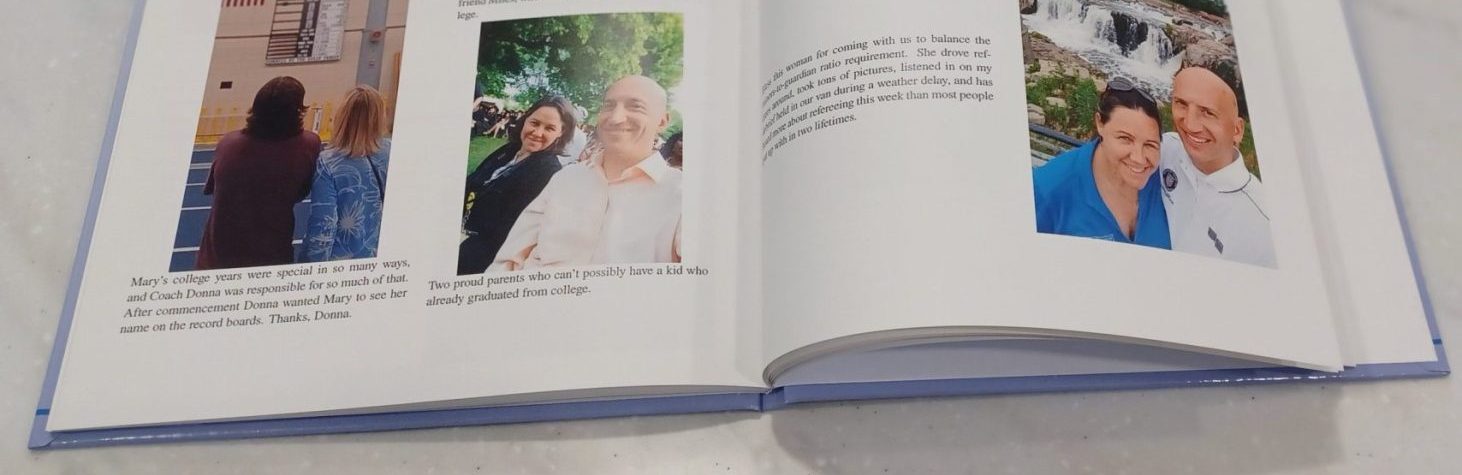
You’ recently received your Express Recap and also a form listing the Facebook groups you had posted photos in. This short form will let you remove Facebook groups and get your Express Recap updated. You may keep all groups, remove all groups, or only remove some groups while keeping others. Please enter the requested information to ensure your changes are applied to your data set. The 5 character code was provided in the Your Express Recap is Ready! email.
To remove all groups or keep all groups, simply select that choice below.
To keeps some groups and remove others, you need to download the pdf in the Choose Groups for your Express Recap email, check the boxes of the groups to be removed, save the pdf, select I want to remove some groups, and upload the pdf.